How to Troubleshoot Your Appliances Before Calling a Pro
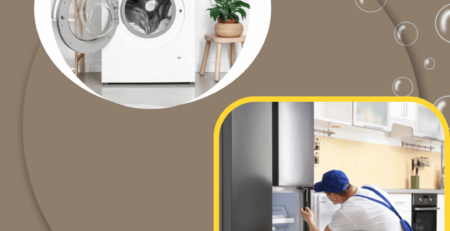
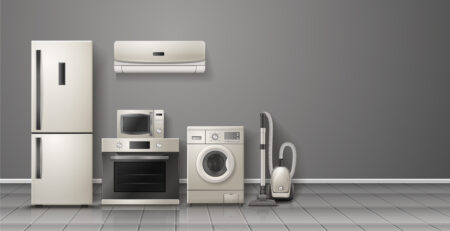
When your appliance starts acting up, it can be tempting to pick up the phone and call a professional right away. But before you do, consider troubleshooting the issue yourself! Many common problems can be easily resolved with a little bit of know-how. At Macomb Appliance Repair, we’re here to help you through the process. Here’s a step-by-step guide to troubleshooting some of your home’s most essential appliances.
Troubleshooting Your Dishwasher
- Check the Power Source
Ensure your dishwasher is plugged in and that the outlet is working. You can test the outlet with another appliance or reset the circuit breaker if necessary. - Inspect the Door Latch
If the door isn’t closing properly, your dishwasher may not start. Check the latch for any damage or debris preventing it from securing. - Clean the Filter
A clogged filter can lead to poor cleaning performance. Remove the filter, rinse it under running water, and replace it. - Run a Test Cycle
Once you’ve checked these items, run a short cycle to see if the issue persists.
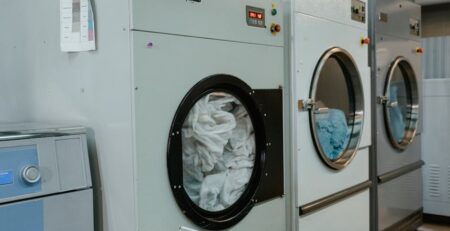
Troubleshooting Your Dryer
- Examine the Power Supply
Make sure your dryer is plugged in, and check the circuit breaker. If your dryer isn’t receiving power, it won’t function. - Clear the Lint Trap
A blocked lint trap can cause your dryer to overheat and shut down. Remove and clean the lint trap before trying to run your dryer again. - Check the Ventilation
Ensure that the vent hose isn’t kinked or blocked. Poor ventilation can prevent your dryer from drying clothes efficiently. - Run a Test Load
If everything checks out, try running a small load to see if the dryer operates normally.
Troubleshooting Your Refrigerator
- Check the Temperature Settings
Make sure your fridge is set to the appropriate temperature (around 37°F) and the freezer is set to 0°F. - Examine the Door Seals
Inspect the door seals for cracks or dirt. A faulty seal can cause temperature issues and lead to food spoilage. - Clean the Condenser Coils
Dusty coils can reduce efficiency and cooling performance. Unplug your refrigerator and clean the coils with a brush or vacuum. - Listen for Unusual Noises
If your fridge is making strange noises, it could indicate a problem with the compressor or fan. Monitor these sounds and note any changes.
When to Call a Pro
If you’ve followed these troubleshooting steps and your appliance is still malfunctioning, it may be time to call in the experts. At Macomb Appliance Repair, we have the experience and knowledge to diagnose and repair a wide range of appliances quickly and efficiently.
Contact Us
Don’t let appliance issues disrupt your day-to-day life. If you need professional help, don’t hesitate to reach out! Visit our website at Macomb Appliance Repair or call us at (586) 221-3512. Our friendly team is here to assist you with all your appliance repair needs in Sterling Heights, MI, and the surrounding areas.
Reliable Dishwasher Repair in Mt Clemens, MI with Macomb Appliance Repair